You stop writing zoom keyframes.
Draw a box on the Program Monitor, release, and QuickZoom writes the whole zoom move for you. The years of Position + Scale gymnastics are what this plugin was built to delete.*


Available now for Premiere Pro
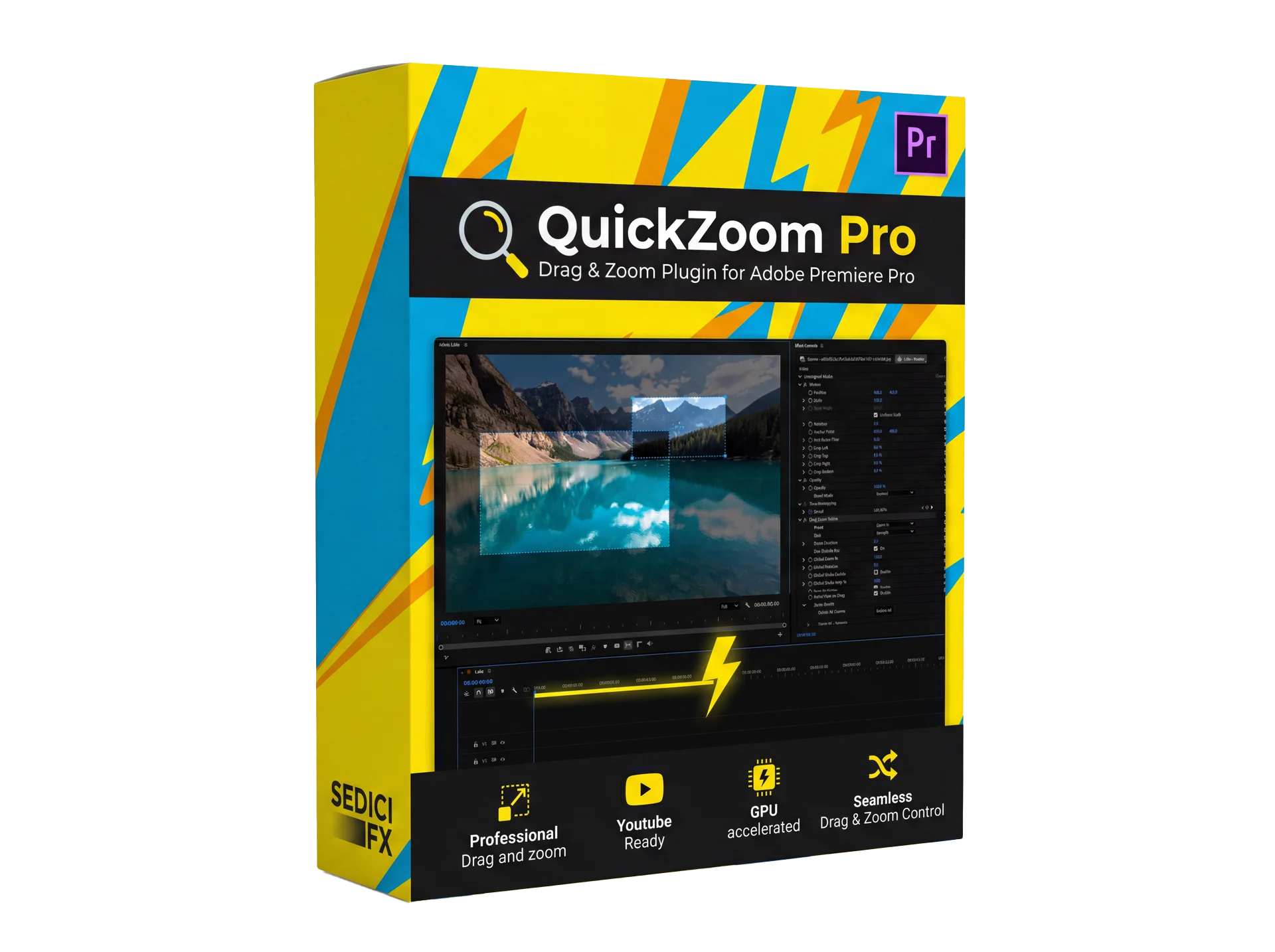
QuickZoom Pro creates zooms directly inside the Premiere Pro Program Monitor. Just drag on the video — no manual zoom keyframes, ever.*
One-time purchase · 2 devices · Windows & macOS
Built inside a real editing workflow, not a lab — Gabby16bit
Try it — drag a box on the monitor, then release to generate the zoom

Draw a box on the Program Monitor, release, and QuickZoom writes the whole zoom move for you. The years of Position + Scale gymnastics are what this plugin was built to delete.*
Smooth playback while you work, on Windows and macOS, even on long timelines.
Any sequence size, any aspect ratio.
Every zoom stays adjustable. Re-drag, retime or remove it.
Click and drag directly on the Program Monitor. On release, QuickZoom generates keyframes and animates the zoom into the box.
One installer for Windows and macOS. Your license key activates from inside the plugin.
How it works
Drop QuickZoom Pro on any clip in your Premiere Pro timeline.
Draw a box on the Program Monitor to set the zoom target, intensity, and speed — exactly like the demo above.
Adjust timing and smoothness, preview instantly with GPU acceleration, keep editing.
Compatibility
No surprises, no "it doesn't run on my machine". Everything QuickZoom Pro needs, in one place.
Not sure your setup is covered? Ask before buying — support@sedicifx.com answers directly.
Get QuickZoom Pro
Secure checkout powered by Paddle.
Coming next
QuickZoom Pro is the first release. The lineup grows where creator routines need faster tools.
Animate PNGs at QuickZoom speed: draw a path on the Program Monitor and your character, sticker or object follows it.
Highlight text in a simple, fast, and innovative way for creator videos, tutorials, and educational edits.
Text highlight workflow
QuickZoom for DaVinci Resolve and Final Cut Pro is on the way — and the lab is even looking at Maya.
DaVinci · Final Cut · Maya
Want to know when a new plugin drops?
Get notifiedThe story
SEDICI FX was started by Gabby16bit, a YouTuber with over 3 million subscribers who spent years building the same zooms, punch-ins and animations by hand — slowly, with tools that were never made for the job.
At some point the fix was obvious: stop working around the tools, and build the ones I always wanted.
Every plugin starts from a real editing routine, stays small and focused, and is priced the way a creator would want to be charged: once, fairly, no subscription.
— Gabby16bit, SEDICI FX
FAQ
Two active devices per license. You can see and manage your activations any time from the Client Portal, so moving to a new machine is not a support ticket.
No. QuickZoom Pro is a one-time purchase with a lifetime license, and all 1.x updates are free.
Yes. The trial is the full plugin with a watermark on the output, so you can test the real workflow on your own footage before deciding.
Checkout is handled by Paddle. After payment your license key is delivered by email, and you activate it directly inside the plugin. Keys and activations also live in the Client Portal.
QuickZoom Pro runs in Adobe Premiere Pro on Windows and macOS today. DaVinci Resolve and Final Cut Pro versions are on the roadmap.
Payments are processed by Paddle, our payment provider. For anything about an order, a refund or a failed activation, write to support@sedicifx.com with your order email — it is answered directly, not by a ticket robot.
Yes. QuickZoom writes standard Premiere keyframes, so a project keeps working — including on a machine where the plugin is only running as a trial.
Help Center
Each plugin page hosts trailers, walkthroughs and YouTube tutorials.
Open QuickZoom page →License keys, activations and seat management live in the Client Portal.
Open Client Portal →Install help, compatibility questions and bug reports — answered directly.
Contact support →